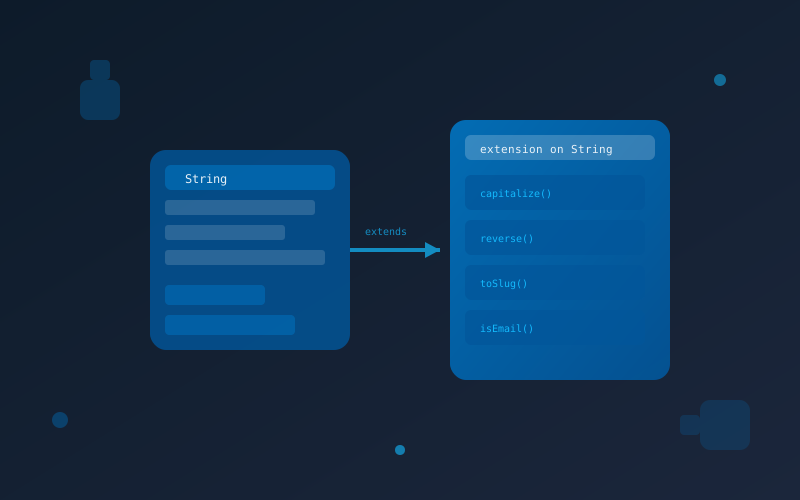
In the world of programming languages, staying versatile and adaptive is crucial for developers. As the demand for web and mobile applications continues to soar, programmers seek tools and features that enhance their coding experience and efficiency. Dart, Google's open-source programming language, has been gaining traction in the web and mobile app development community due to its ease of use, performance, and support for both client-side and server-side development. One of the recent additions to Dart that has garnered attention is "Dart Extensions."
How to Declare Dart Extensions?
Declaring a Dart Extension is straightforward and follows a simple syntax. To create an extension, you'll need to follow these steps: - Define the extension using the extension keyword. - Specify the name of the extension, followed by the on keyword and the class you want to extend. - Implement the extension by adding the desired methods or getters/setters. Let's see an example of how to create a Dart Extension that adds a new method to the built-in String class:
// Define the extension
extension StringExtension on String {
  // New method to capitalize the first letter of a string
  String capitalizeFirstLetter() {
    if (this.isEmpty) return this;
    return this[0].toUpperCase() + this.substring(1);
  }
}

// Usage
void main() {
  String greeting = "hello, world!";
  String capitalizedGreeting = greeting.capitalizeFirstLetter();
  print(capitalizedGreeting); // Output: "Hello, world!"
}
Breaking Down the Example
In this example, we declare a Dart Extension called StringExtension on the String class. The extension introduces a new method called capitalizeFirstLetter(), which capitalizes the first letter of a given string. The beauty of Dart Extensions is that you can declare them anywhere in your codebase, including separate files, making them easily accessible across the entire project.