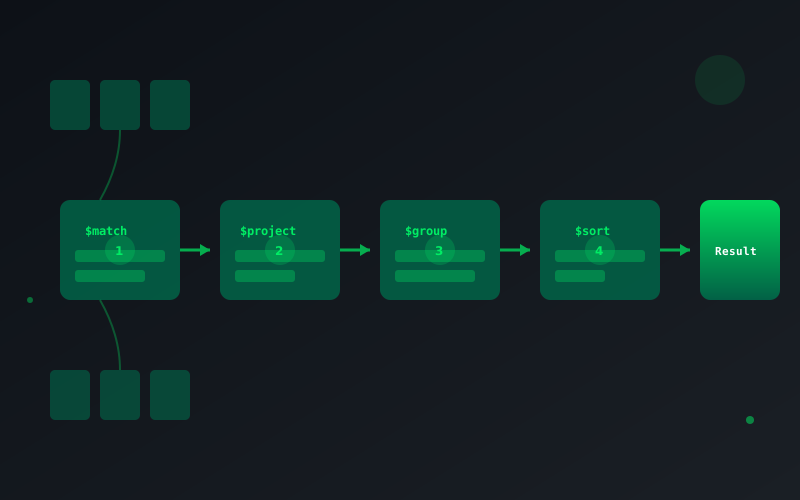
The MongoDB aggregation pipeline is powerful but can be tricky. Here are five tips I've learned from building production applications.
1. Use $match Early
Always filter documents as early as possible in the pipeline. This reduces the data processed by subsequent stages.
// Good - filter first
db.orders.aggregate([
  { $match: { status: 'completed', date: { $gte: startDate } } },
  { $group: { _id: '$customerId', total: { $sum: '$amount' } } }
])

// Bad - grouping all documents first
db.orders.aggregate([
  { $group: { _id: '$customerId', total: { $sum: '$amount' } } },
  { $match: { total: { $gte: 1000 } } }
])
2. Use $project to Reduce Document Size
Only carry forward the fields you need:
db.users.aggregate([
  { $match: { active: true } },
  { $project: { name: 1, email: 1, _id: 0 } },
  { $sort: { name: 1 } }
])
3. $lookup with Pipeline for Complex Joins
Use pipeline in $lookup for filtered joins:
db.orders.aggregate([
  {
    $lookup: {
      from: 'products',
      let: { productIds: '$items.productId' },
      pipeline: [
        { $match: { $expr: { $in: ['$_id', '$$productIds'] } } },
        { $project: { name: 1, price: 1 } }
      ],
      as: 'productDetails'
    }
  }
])
4. $facet for Multiple Aggregations
Run multiple pipelines in a single query:
db.products.aggregate([
  {
    $facet: {
      totalCount: [{ $count: 'count' }],
      categories: [{ $group: { _id: '$category', count: { $sum: 1 } } }],
      priceRange: [
        { $group: { _id: null, min: { $min: '$price' }, max: { $max: '$price' } } }
      ]
    }
  }
])
5. Create Indexes for Aggregation
Ensure indexes exist for fields used in $match and $sort stages. Check with explain():
db.orders.aggregate([
  { $match: { customerId: ObjectId('...') } },
  { $sort: { date: -1 } }
]).explain('executionStats')