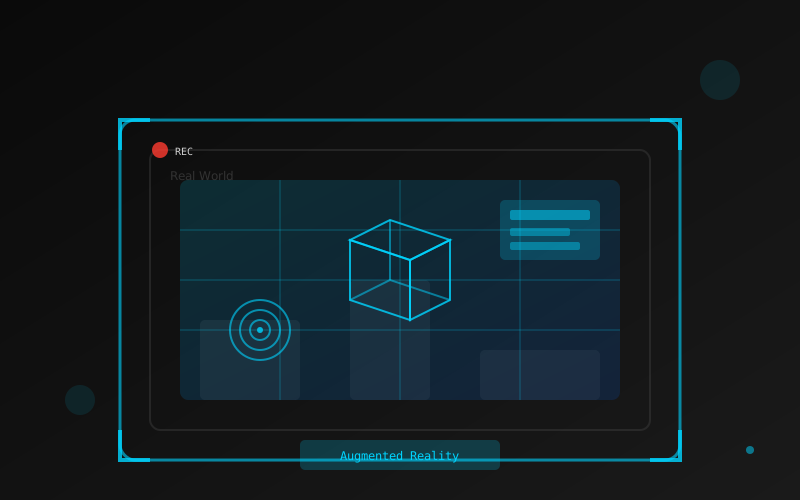
Augmented Reality opens up exciting possibilities for interactive experiences. With Unity and Vuforia, you can create AR applications that overlay digital content onto the real world. Let's walk through the basics of setting up your first AR project.
Setting Up Vuforia in Unity
First, import Vuforia into your Unity project and configure it: - Download Vuforia from the Unity Asset Store - Create a Vuforia developer account and get a license key - Add the license key to your Vuforia configuration - Create an Image Target in the Vuforia Target Manager
Creating Your First AR Scene
Replace the Main Camera with an AR Camera and add an Image Target:
// Script to handle when target is found/lost
using UnityEngine;
using Vuforia;

public class TargetHandler : MonoBehaviour, ITrackableEventHandler
{
    private TrackableBehaviour trackableBehaviour;

    void Start()
    {
        trackableBehaviour = GetComponent<TrackableBehaviour>();
        if (trackableBehaviour)
        {
            trackableBehaviour.RegisterTrackableEventHandler(this);
        }
    }

    public void OnTrackableStateChanged(
        TrackableBehaviour.Status previousStatus,
        TrackableBehaviour.Status newStatus)
    {
        if (newStatus == TrackableBehaviour.Status.DETECTED ||
            newStatus == TrackableBehaviour.Status.TRACKED)
        {
            OnTrackingFound();
        }
        else
        {
            OnTrackingLost();
        }
    }

    private void OnTrackingFound()
    {
        Debug.Log("Target Found!");
        // Show your 3D content here
    }

    private void OnTrackingLost()
    {
        Debug.Log("Target Lost!");
        // Hide your 3D content here
    }
}
Conclusion
AR development with Unity and Vuforia is accessible even for beginners. Start with simple image targets and 3D models, then gradually explore more advanced features like ground plane detection and model targets. The key is to experiment and iterate.